
OneTeg is a powerful, no-code Integration Platform as a Service (iPaaS) designed to simplify complex data workflows by seamlessly connecting your disparate third-party systems. By using pre-built Connectors to establish secure Connections, OneTeg allows you to build automated Flows that move and transform data between applications without writing a single line of code.
This documentation is designed to guide you through every stage of your integration journey. You will find comprehensive Getting Started guides to help you log in and set up your environment, followed by step-by-step instructions on Building Flows and managing data logic. For technical reference, we provide a detailed Navigation guide to the user interface, dedicated sections for monitoring Activity Logs, and Administrative instructions for managing users and roles. Whether you are troubleshooting a specific execution or looking for detailed Connector specifications, these resources are here to ensure you get the most out of the OneTeg platform.
First Time Login
Once a user has been added to OneTeg, a confirmation email will be sent to the email address provided.
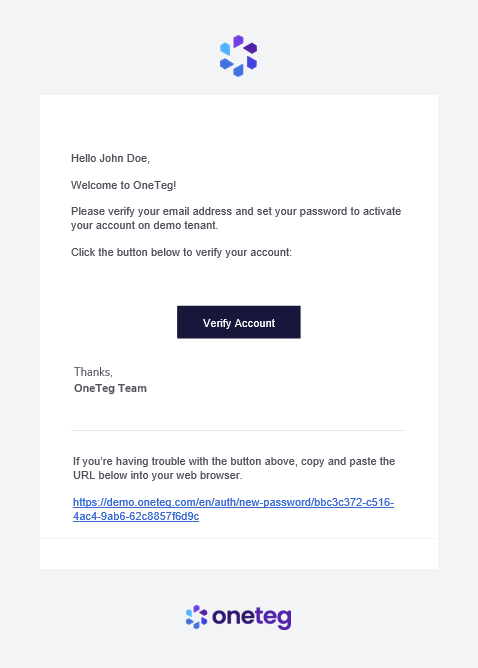
Click the link in the email to verify your account and create a password.
Once your password is created, you will be taken to the OneTeg login page.
OneTeg Home
After logging in, you’ll see the home page, which features a dashboard and sidebar navigation.
The Dashboard shows metrics for your Organization.
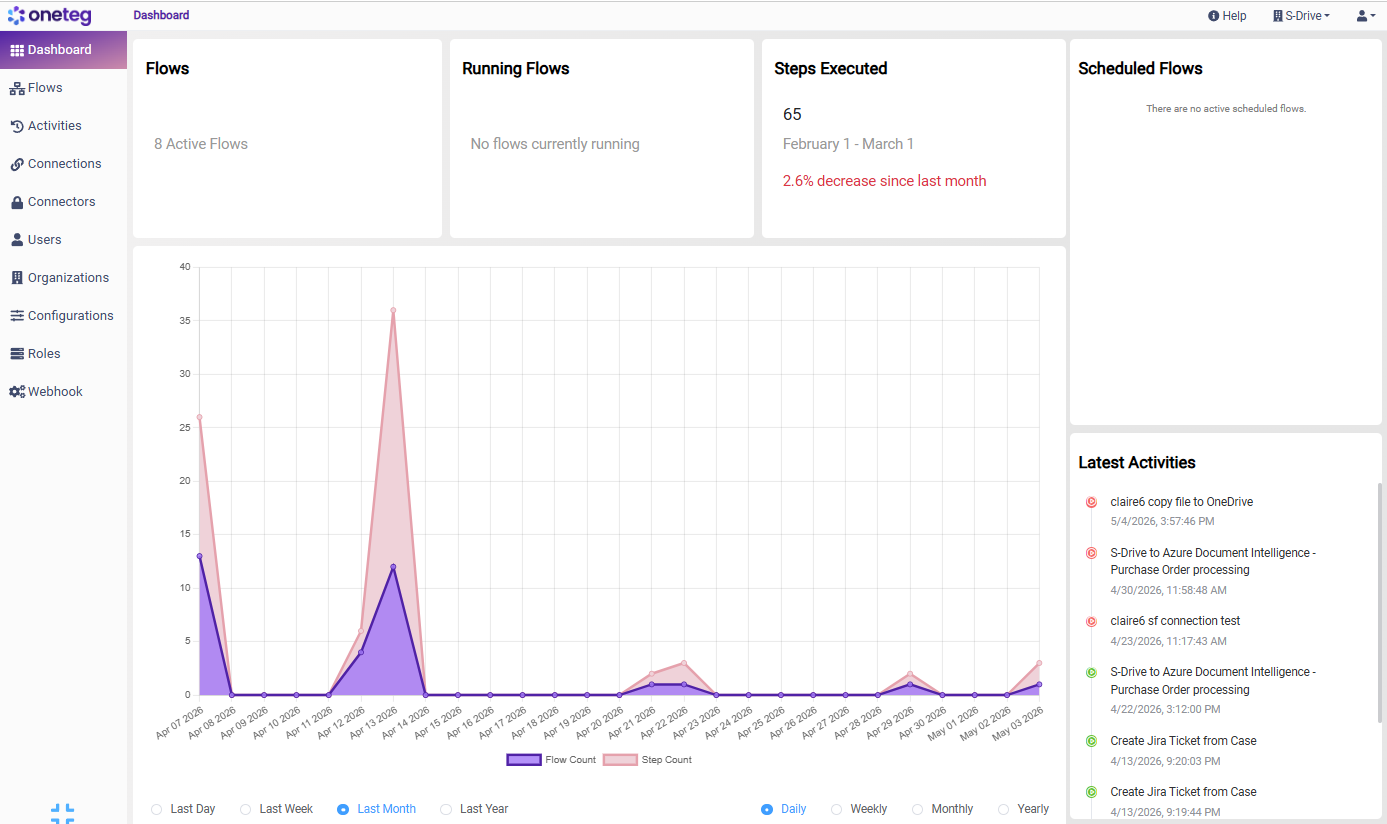
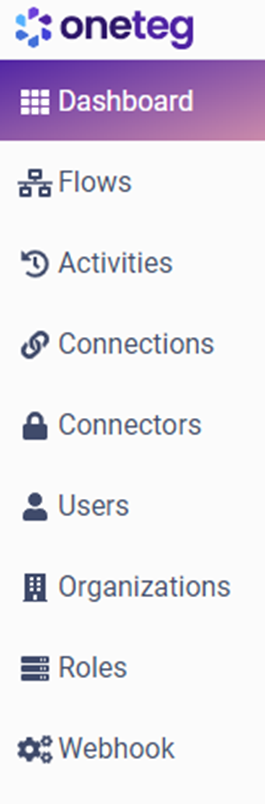
The sidebar has the following items:
-
Dashboard - A general overview of the status of active flows, running flows, and the latest activities on your OneTeg site.
-
Flows – This page will guide you through the process of understanding what a flow is composed of, as well as how to create, manage, run, and edit flows in a step-by-step manner.
-
Activities - This page details the executed flows and provides instructions on how to check the flow status and history.
-
Connections - This page manages connection settings to facilitate access to endpoint systems, ensuring the inclusion of specific user and system details.
-
Connectors – This page will provide you with access to all the connectors and connector actions available in OneTeg.
-
Users - This page allows users to be managed and assigned to organizations and specific roles.
-
Organization - This page allows you to manage your organizations and the users, connections, and flows associated with them.
-
Roles - This page allows you to set preconfigured or custom-configured permissions (also known as "privileges") that define the scope of interaction that each user is permitted to engage in with the OneTeg.
-
Webhook - This page displays the payloads of Webhook (Event Calls) that have been transmitted to your flows.
OneTeg IP and Whitelisting
The following IPs are used to communicate with your OneTeg environment.
-
Outbound
3.14.223.161