
No Prerequisites and additional steps are required for HTTP REST connector connection settings.
1. Connector Action & Tests
|
Action Name / Method |
Rest Request |
||
|---|---|---|---|
|
Action Description |
Allows the execution of REST Services using standard HTTP methods such as GET, POST, DELETE, etc. |
||
|
Test Case |
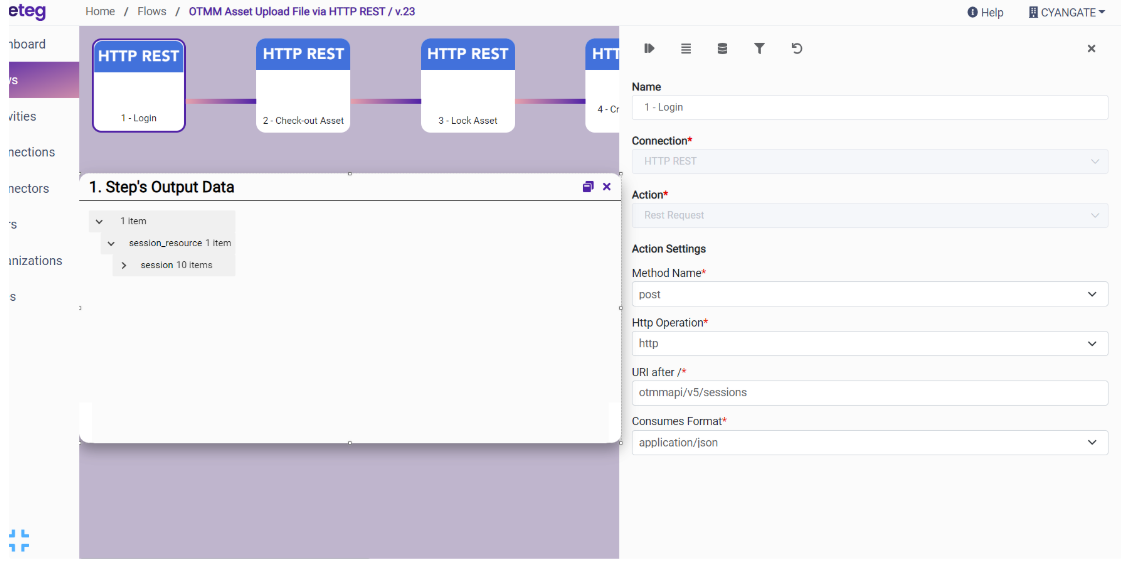
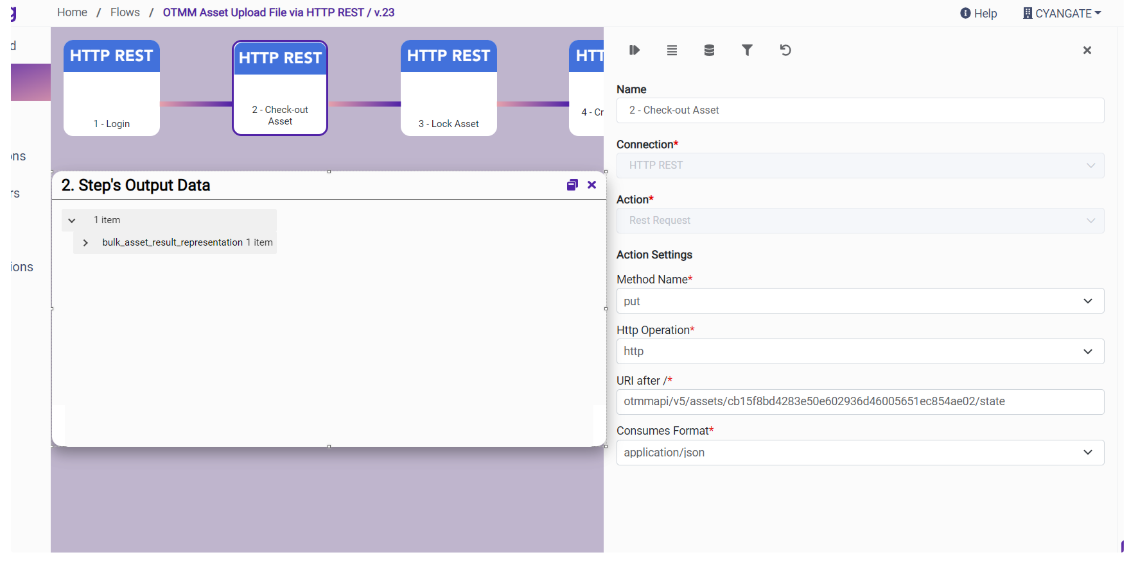
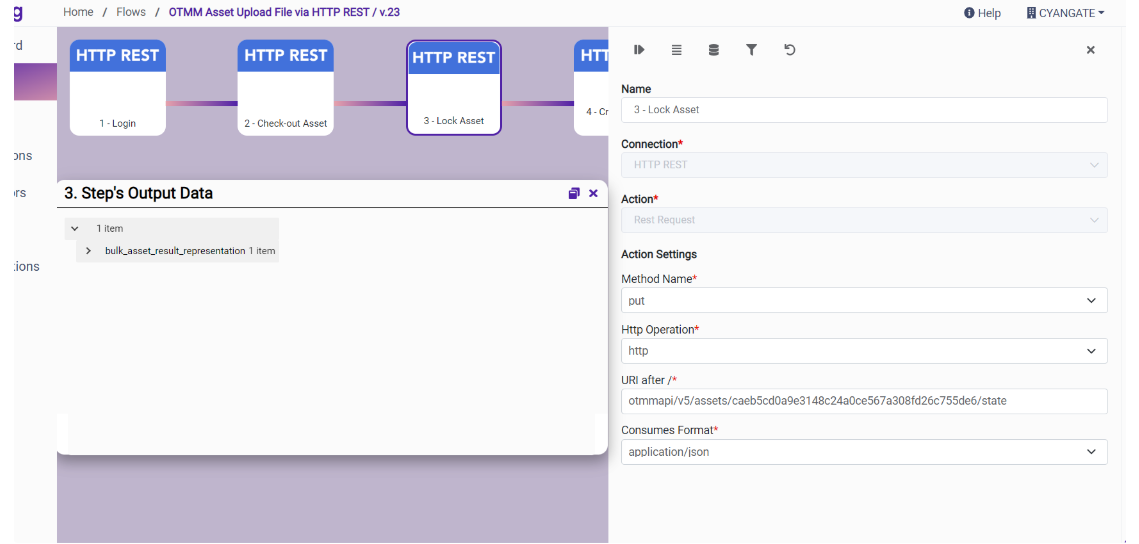
OTMM Asset Upload File via HTTP REST |
||
|
Request Body Name |
Parameter |
Type |
Description (Example) |
|
|
Method Name |
String |
e.g., POST |
|
|
Http Operation |
String |
e.g., HTTP or HTTPs |
|
|
URI after / |
String |
append the other URI part e.g., otmmapi/v5/sessions |
|
|
Consumes Format |
String |
e.g., application/json |
|
|
Header Key |
String |
Header data e.g., Authorization |
|
|
Header Value |
String |
Header value e.g., Bearer… |
|
|
Request Body |
String |
Body data e.g., username=test&password=test |
|
|
Form Data File Key |
String |
Form data file key e.g., File |
|
|
Form Data File Value |
String |
Form data file value e.g., File data |
|
|
Form Data Text Key |
String |
Form data with content type |
|
|
Form Data Text Value |
String |
Form data with content type |
|
|
Form Data Text Type |
String |
content type e.g., application/json |
Example:
-
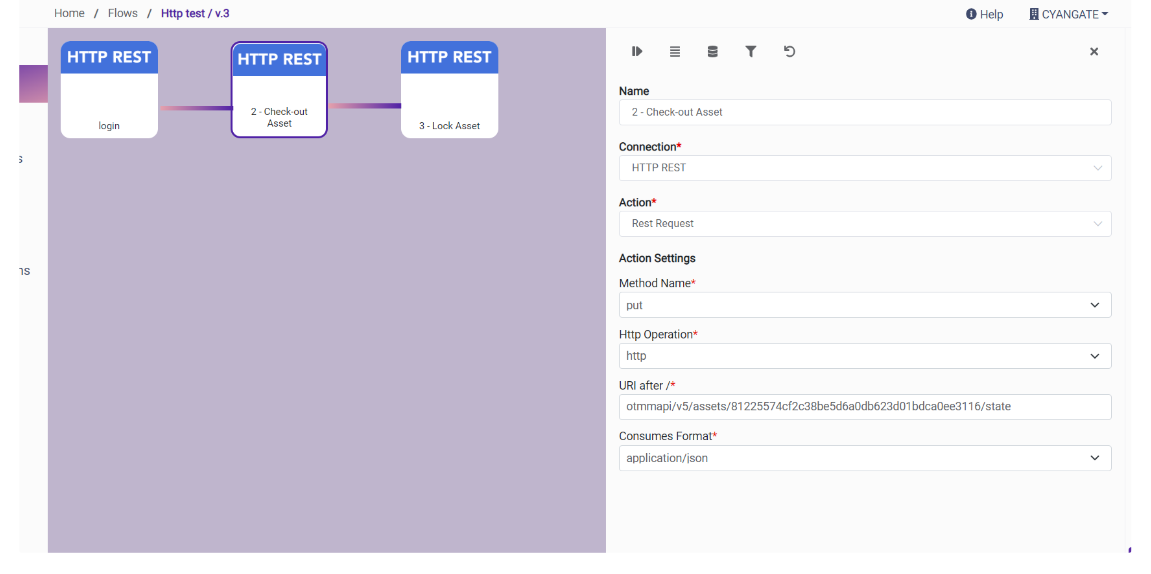
OTMM Asset Upload File via HTTP REST / v.23
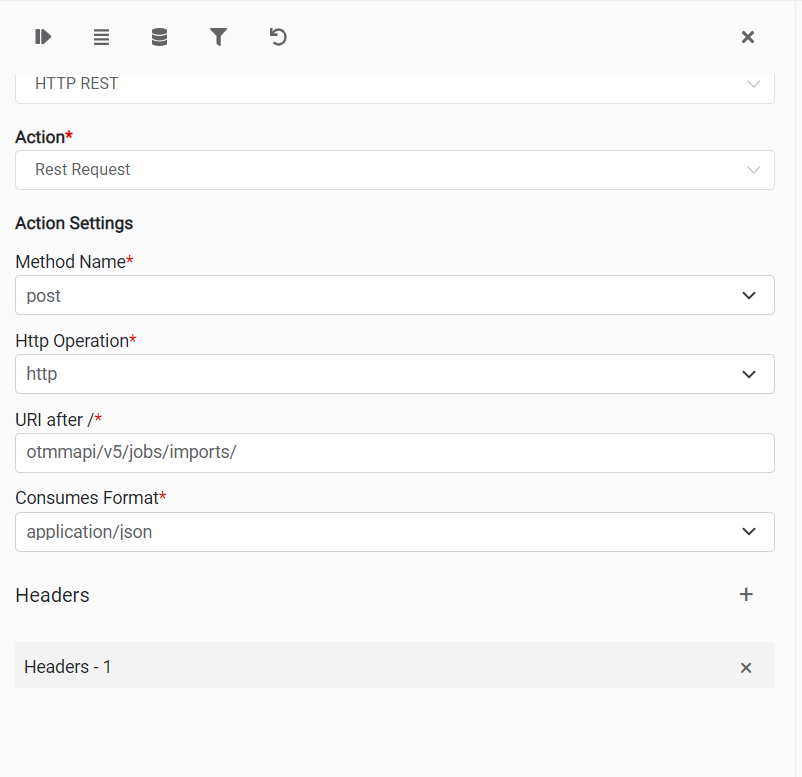
2. Connection Settings and Configuration
|
Settings Parameters |
Value |
Description |
Required (Y/N) |
Default Value |
|---|---|---|---|---|
|
Connector |
HTTP REST |
Connector Name |
Y |
HTTP REST |
|
Authentication |
NONE |
Authentication Type |
Y |
NONE |
|
Host Name |
|
Endpoint required for REST Calls. |
Y |
|
3. Supported HTTP Rest Actions and Options
For the full list of supported endpoints, parameters, and options, see the page below: