
-
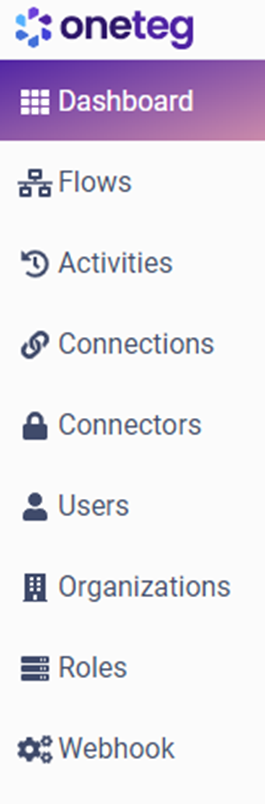
Dashboard - A general overview of the status of active flows, running flows, and the latest activities on your OneTeg site.
-
Flows – This page will guide you through the process of understanding what a flow is composed of, as well as how to create, manage, run, and edit flows in a step-by-step manner.
-
Activities - This page details the executed flows and provides instructions on how to check the flow status and history.
-
Connections - This page manages connection settings to facilitate access to endpoint systems, ensuring the inclusion of specific user and system details.
-
Connectors – This page will provide you with access to all the connectors and connector actions available in OneTeg.
-
Users - This page allows users to be managed and assigned to organizations and specific roles.
-
Organization - This page allows you to manage your organizations and the users, connections, and flows associated with them.
-
Roles - This page allows you to set preconfigured or custom-configured permissions (also known as "privileges") that define the scope of interaction that each user is permitted to engage in with the OneTeg.
-
Webhook - This page displays the payloads of Webhook (Event Calls) that have been transmitted to your flows.